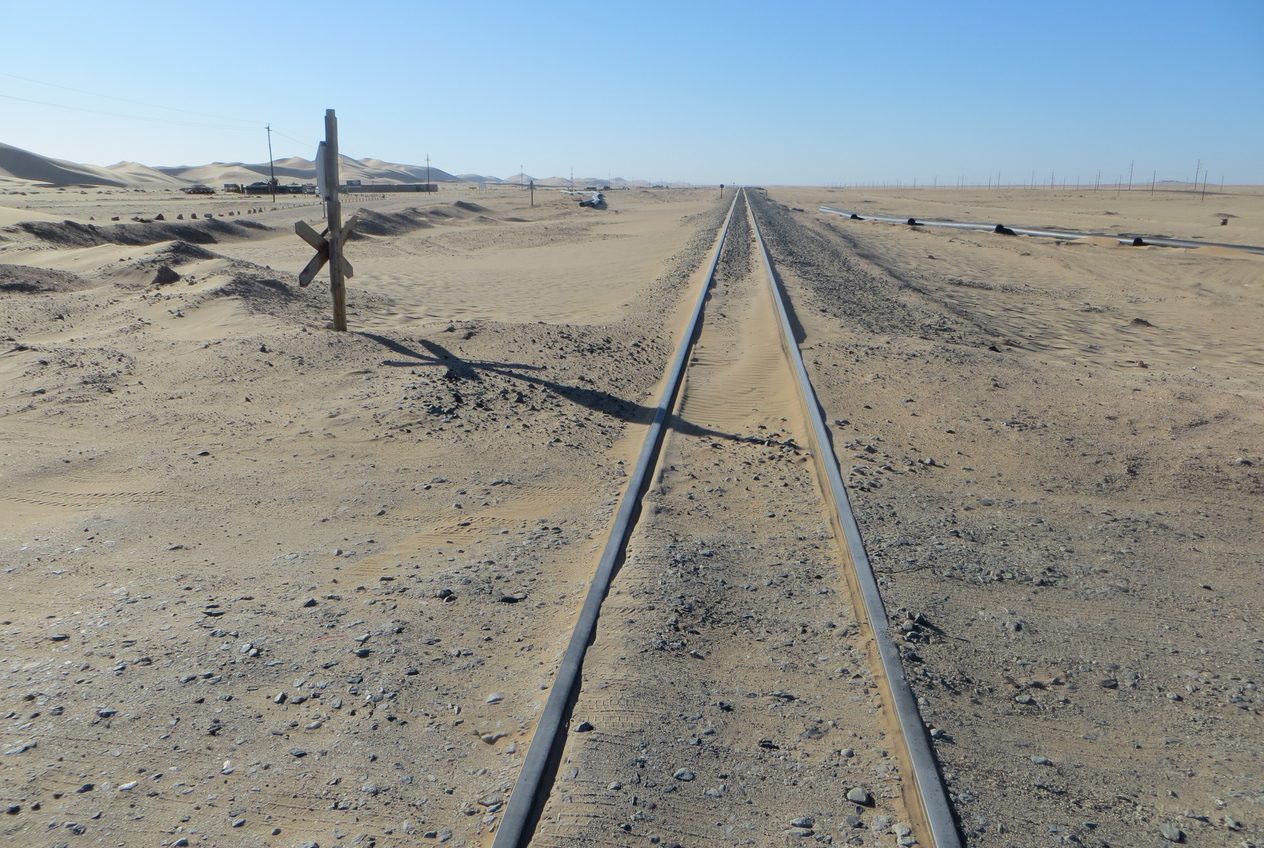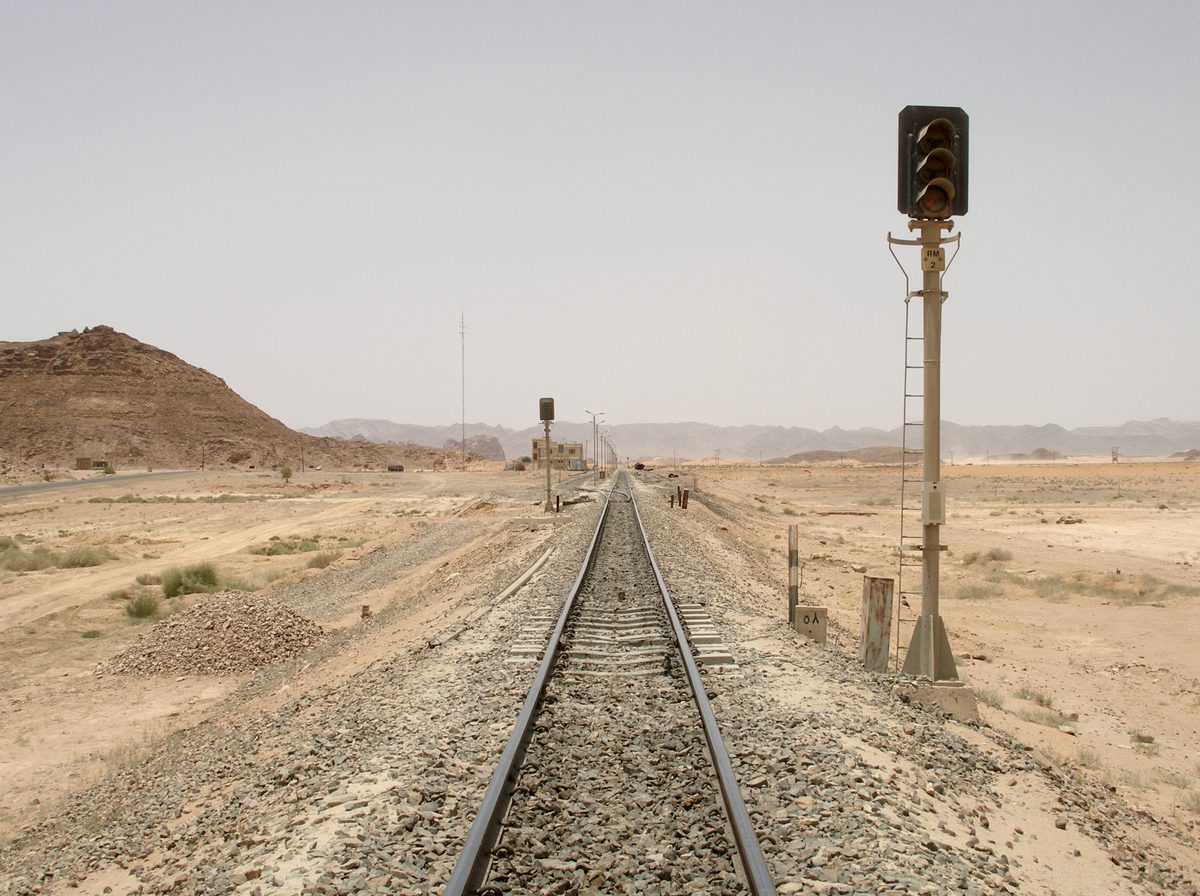
Most of the assets our clients want monitored do not have a power socket next to them. A sleeper in the desert, a valve chamber, a pipeline support on a causeway, a pump in a remote booster station. The sensor that goes there runs on a battery, talks over WiFi or a cellular link that is sometimes there and sometimes not, and must survive a summer on the roof of a steel enclosure. That set of constraints shaped how Sensored captures data far more than any signal-processing preference.
This note walks through the capture cycle the firmware actually runs and why each stage exists. The settings it describes are the same ones an engineer sees on a device’s Configure tab in the dashboard.
Streaming is the wrong default
A high-bandwidth accelerometer sampling at 26.7 kHz on three axes produces roughly 160 kB of raw data every second. Shipping that continuously over cellular is expensive, and storing it is pointless: on a rail sleeper, the interesting seconds are the ones a train is passing over; on a pump, nothing changes between one minute and the next until the day it does. Continuous streaming spends the battery and the data plan on the quiet.
So the device sleeps, and it captures events.
Wake on motion
The low-power IMU watches for acceleration above a wake-on-motion threshold, set in milli-g. When it trips, the high-bandwidth sensor starts recording. The threshold is deliberately conservative — around 1.1 g at a ±16 g full-scale range — because below that the register quantisation of the sensor produces false wakes, and a false wake costs a capture, an upload, and battery.
Quiet window and the capture cap
Once awake, the device keeps recording until the motion has gone quiet for a configurable window. The quiet window is what turns a train — dozens of wheel impacts a few hundred milliseconds apart — into one event rather than fifty. Set it too short and you get fragments; too long and two trains merge.
Every capture also carries a hard cap on duration. Motion that never goes quiet (a pump that has been switched on, a road nearby, a sensor knocked loose) would otherwise fill the SD card with a single endless recording. When the cap fires the firmware closes the event and counts it; the dashboard shows that count on the device header as “capped” captures, because a rising count is usually a sign the thresholds need revisiting for that asset.
Deciding what is worth uploading
Not every event deserves the radio. The firmware compares the peak of each capture against an upload threshold. Captures above it are queued for upload; captures below it are parked on the SD card and deleted after 24 hours unless an engineer asks for them. This is the single biggest lever on battery life, and it is why the threshold can be set to zero during commissioning — when you want everything — and raised once the baseline is understood.
Nothing is lost when the link drops
Every capture is written to the SD card before any attempt to transmit it. Uploads resume from where they stopped, so a link that drops mid-file costs a retry, not the file. The dashboard shows the number of captures still queued on each device; a queue that keeps growing is the earliest sign of a connectivity problem at a site, long before anyone notices missing data.
Sleeping, and checking in
Between events the radio is the expensive part, so it goes to sleep. Three settings govern the cycle:
- Maximum awake after boot — how long the radio stays up after a reset before sleeping. Setting it to zero keeps the device always on, which is the right choice for a mains-powered installation and the wrong one everywhere else.
- Stay awake after upload — a short grace period after a capture has been sent, so back-to-back events do not each pay the cost of waking the radio.
- Check-in interval and window — how often a sleeping device wakes the radio to ask the server whether there is a configuration change or a firmware update waiting, and how long it will stay up to receive one.
The check-in cycle is the trade the engineer makes explicitly. A one-hour interval means a settings change reaches the device within an hour and the battery lasts a long time. A five-minute interval means the device is responsive and the battery is not. The dashboard tells you when a change has been queued and when it is expected to land, so nobody has to guess whether an apply took effect.
What the platform does with the result
Because each capture is a bounded, complete event, the server can process it as a unit: extract the waveform, run the spectrum, compute band energies, peak, RMS and crest factor, and compare them against that sensor’s own baseline. The engineer gets a list of events per asset, each with its metrics, rather than a waterfall to scroll through. That is a better fit for how maintenance decisions are actually made, and it is a direct consequence of designing for a site with no power.
Images: Wadi Rum railway track, Hejaz railway, Jordan by Vyacheslav Argenberg, CC BY 4.0, via Wikimedia Commons; Railway in Namibian desert 1 by Visem, CC BY-SA 4.0, via Wikimedia Commons.